NCShare Open OnDemand Shell Access
You can access a shell terminal on the NCShare Open OnDemand portal by following these steps,
- Login to ood.ncshare.org
- Click on "all available apps".
- Click on "Shell" or select it from the "Interactive Apps" menu at the top of the page.
- Select the desired walltime, number of CPUs, and amount of memory for your shell session.
- Once ready, click on the blue "Connect" button to launch your shell session.
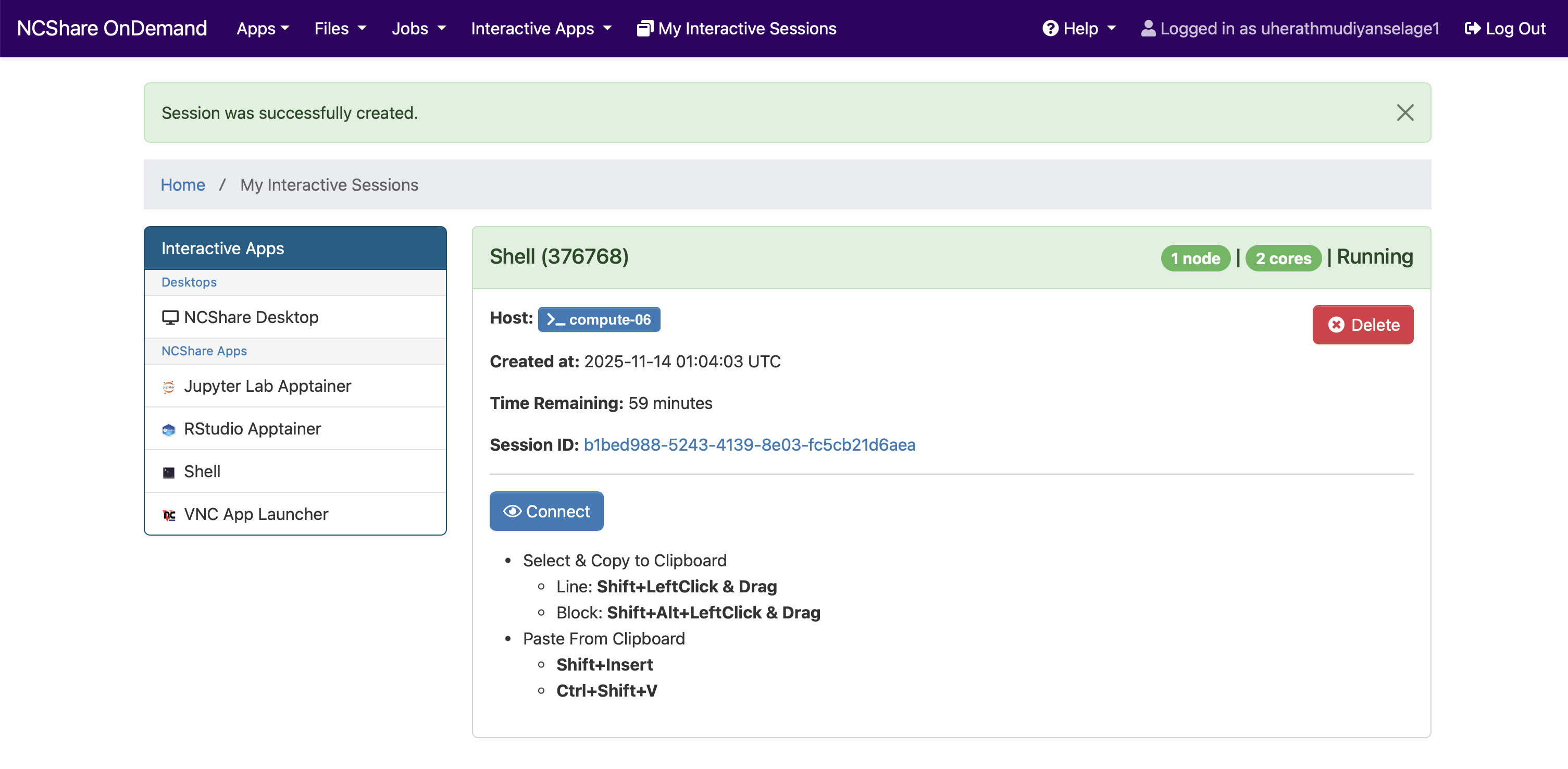
This will open a terminal window within your web browser, allowing you to run command-line operations directly on the NCShare cluster.
Resource limits
The launch form enforces these limits on each field.
| Field | Minimum | Maximum | Default | Step |
|---|---|---|---|---|
| Walltime (hours) | 1 | 72 | 1 | 1 |
| CPUs (threads) | 2 | 40 | 2 | 2 |
| GPUs | 0 | 8 | 0 | 1 |
| Memory (GB) | 1 | 500 | 2 | 1 |
Partition limits still apply on top of these. For example, interactive-gpu caps jobs at 1 hour regardless of the walltime you enter, and requesting GPUs requires the gpu, interactive-gpu, or gpu-hp partition. See the GPU Guide for per-partition limits.